

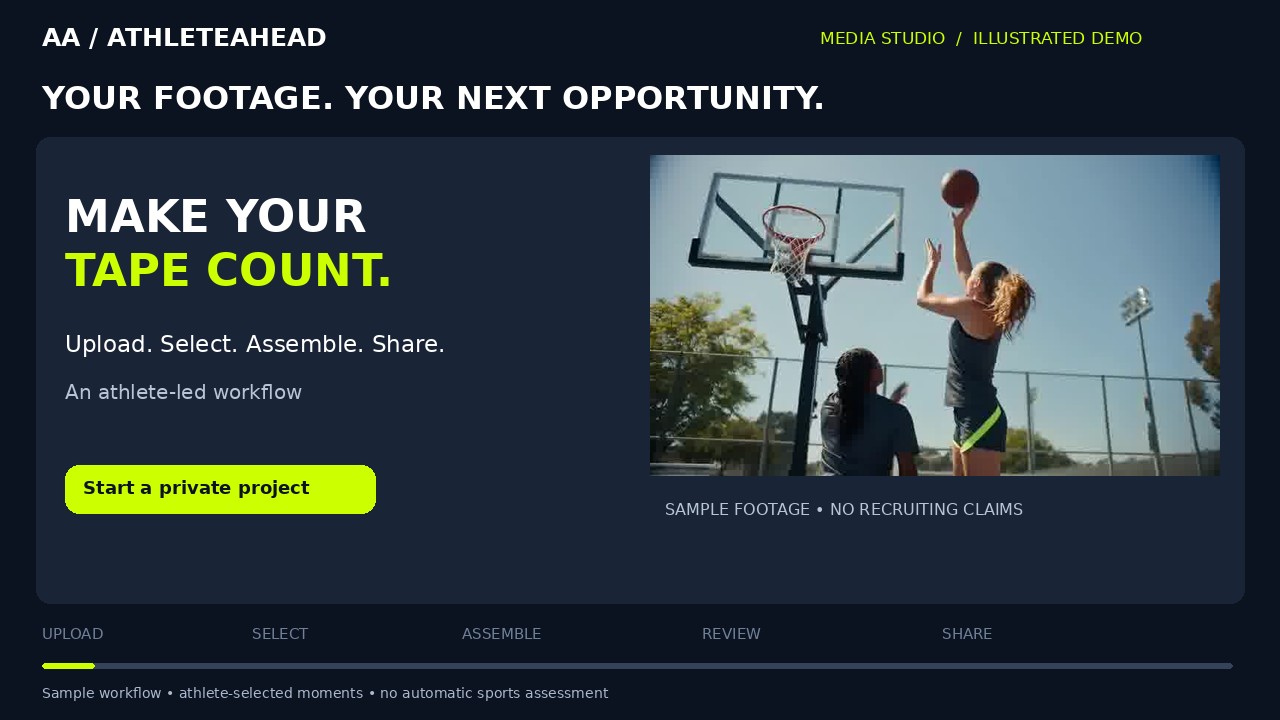
Media Studio
From uploaded clips to a finished highlight reel
Watch the upload, moment selection, assembly, preview and sharing workflow, then try the interactive sample in Media Studio.
Watch & follow the steps →ATHLETEAHEAD PLAYBOOK · HOW-TO SERIES
23 short, narrated video guides. Follow the steps at your own pace, read the transcript, or download a video to keep.
Branded step-by-step video guides with English captions and written instructions. Reviewed October 13, 2026. Check current availability for connected services.
23 tutorials
Media Studio
Watch the upload, moment selection, assembly, preview and sharing workflow, then try the interactive sample in Media Studio.
Watch & follow the steps →
Getting started
Start with the pilot route that fits your role and your goals.
Watch & follow the steps →
Getting started
Use the same account each time so you can return to your saved work.
Watch & follow the steps →
Profiles
Save a useful starting profile before trying to perfect every detail.
Watch & follow the steps →
Families
A parent or legal guardian manages saved work for an athlete aged thirteen to seventeen.
Watch & follow the steps →
Profiles
Build a profile that gives readers accurate context for your achievements.
Watch & follow the steps →
Profiles
Share only the profile details that serve the specific conversation.
Watch & follow the steps →
Profiles
Discover is an optional listing for adult athletes who are ready to be found.
Watch & follow the steps →
Post reflection
Use post reflection to make a more deliberate choice before publishing.
Watch & follow the steps →
Post reflection
Keep the picture and its context together while you decide what to share.
Watch & follow the steps →
Learning & review
A useful digital review starts with original sources and careful identity checks.
Watch & follow the steps →
Media Studio
Create a focused reel from footage you have permission to use.
Watch & follow the steps →
Media Studio
A viewing link and an editable video file serve different purposes.
Watch & follow the steps →
Media Studio
Use precise selections to keep the action and your story clear.
Watch & follow the steps →
Media Studio
Turn your saved selections into a real video you can review.
Watch & follow the steps →
Media Studio
Review the finished version before giving anyone a reel link.
Watch & follow the steps →
Support
Tell the team exactly where you got stuck so the pilot can improve.
Watch & follow the steps →
Support
Account settings help you separate sharing choices from subscription decisions.
Watch & follow the steps →
Learning & review
Turn a useful lesson into one practical action you can revisit.
Watch & follow the steps →
Learning & review
Your private advisor helps turn saved profile information into practical preparation.
Watch & follow the steps →
Learning & review
Set clear permissions without assuming that a saved preference activates monitoring.
Watch & follow the steps →
Organizations
Give the pilot team enough detail to assess a useful partnership conversation.
Watch & follow the steps →
Organizations
Keep an opportunity inquiry separate from a commitment or an approved agreement.
Watch & follow the steps →Open the related tool from any lesson. Videos do not sign you in, create an account, upload your footage, or publish your profile.